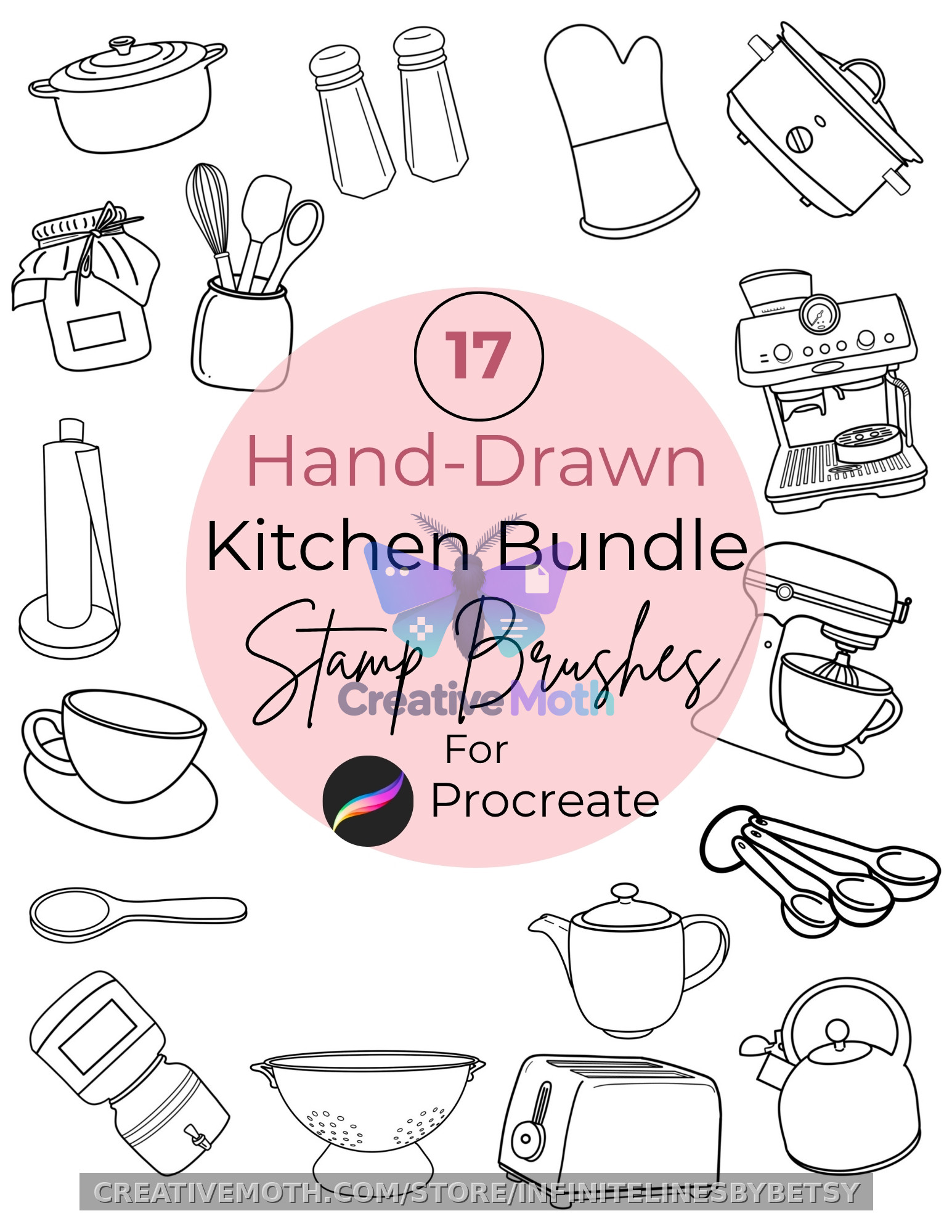
Tea Time Procreate Stamp Brushes, 25 Hand Drawn Stamps for iPad, Stickers, Surface Designs, Digital Download, Personal Commercial Use Files
Description
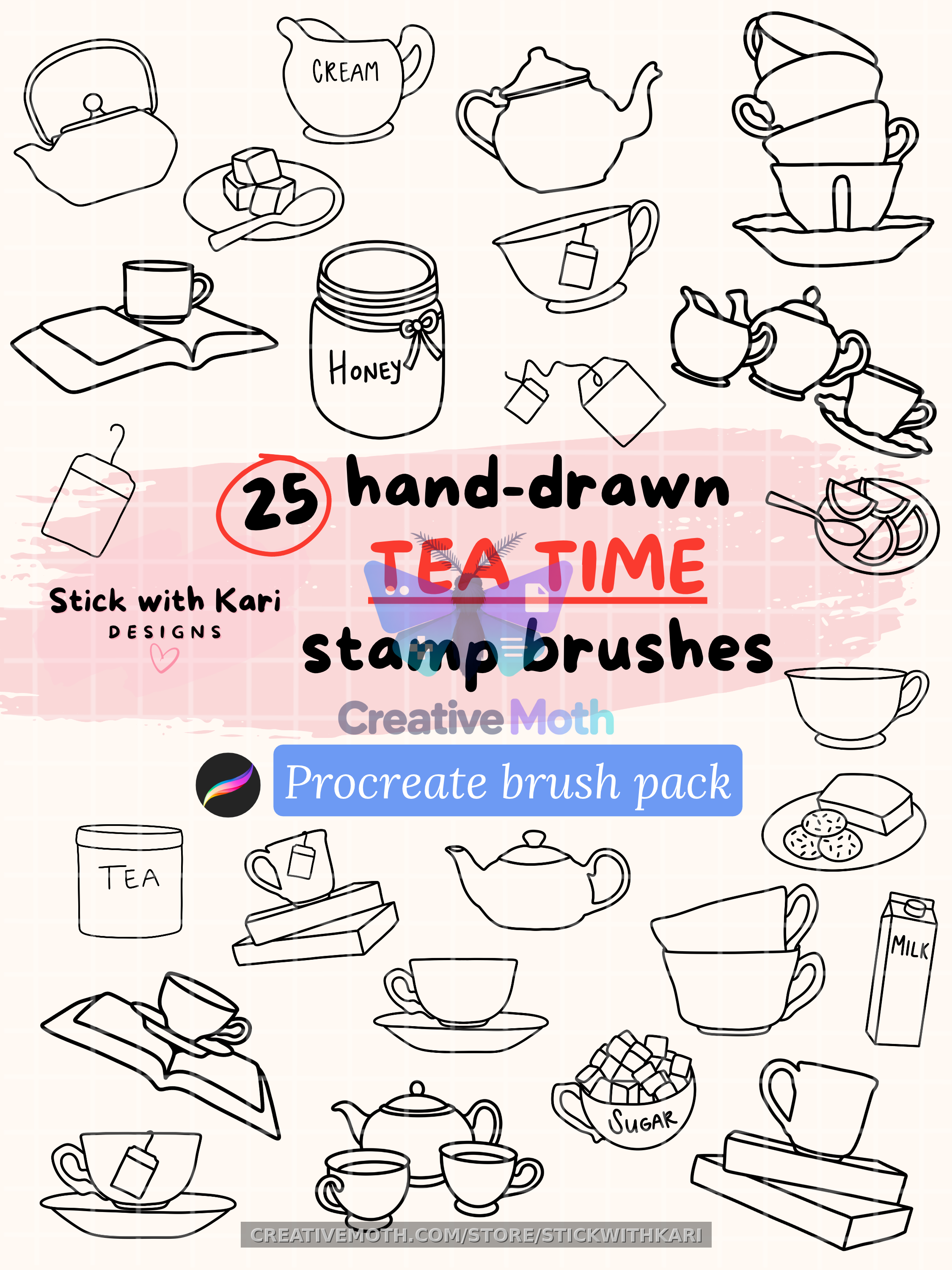
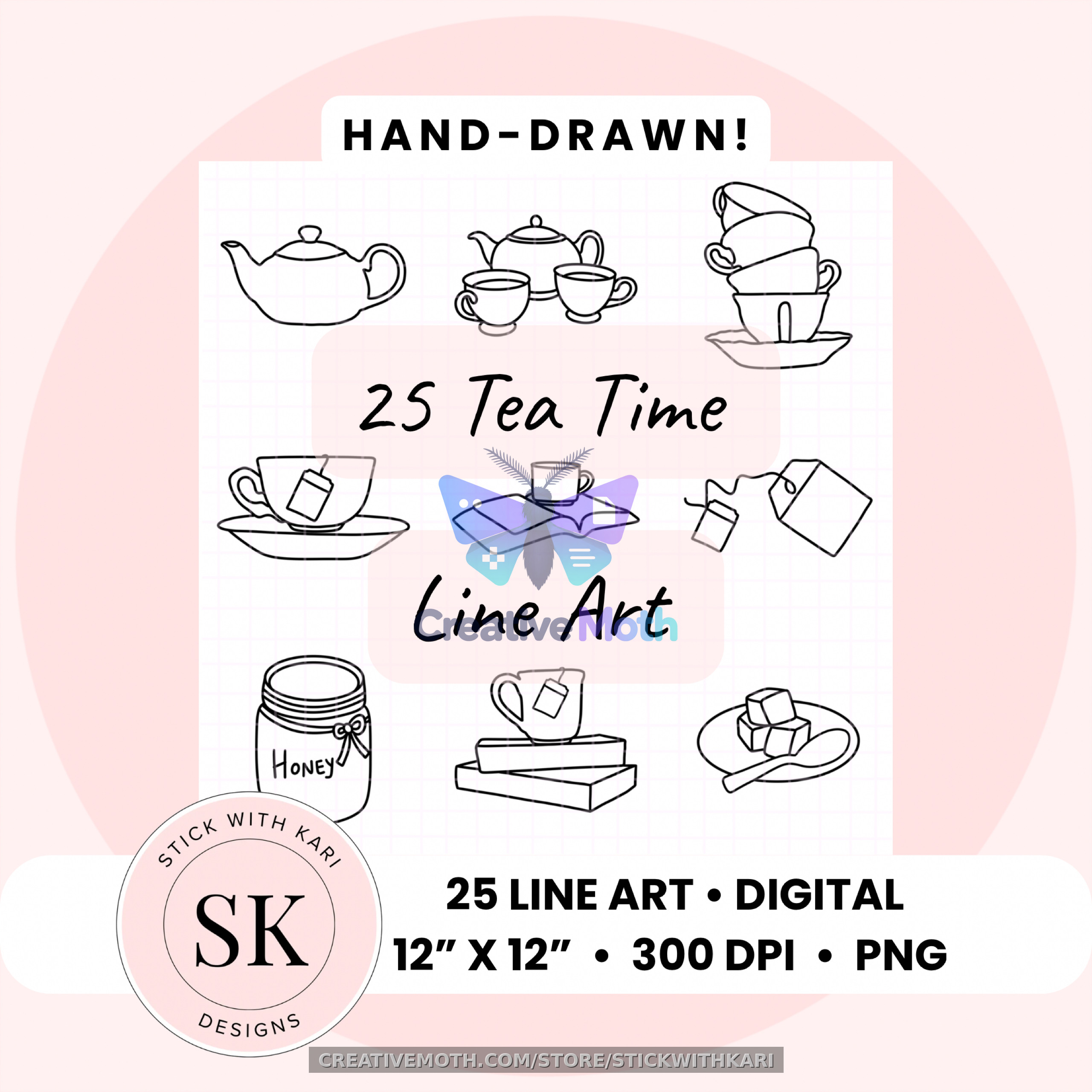
25 hand-drawn TEA TIME brush stamps for Procreate!
25 hand-drawn TEA TIME brush stamps for Procreate
• Every stamp is drawn by hand!
• Use them for tracing, stickers, seamless patterns, and more
• Drop a stamp down, resize it, change the color, & done
WHAT YOU GET:
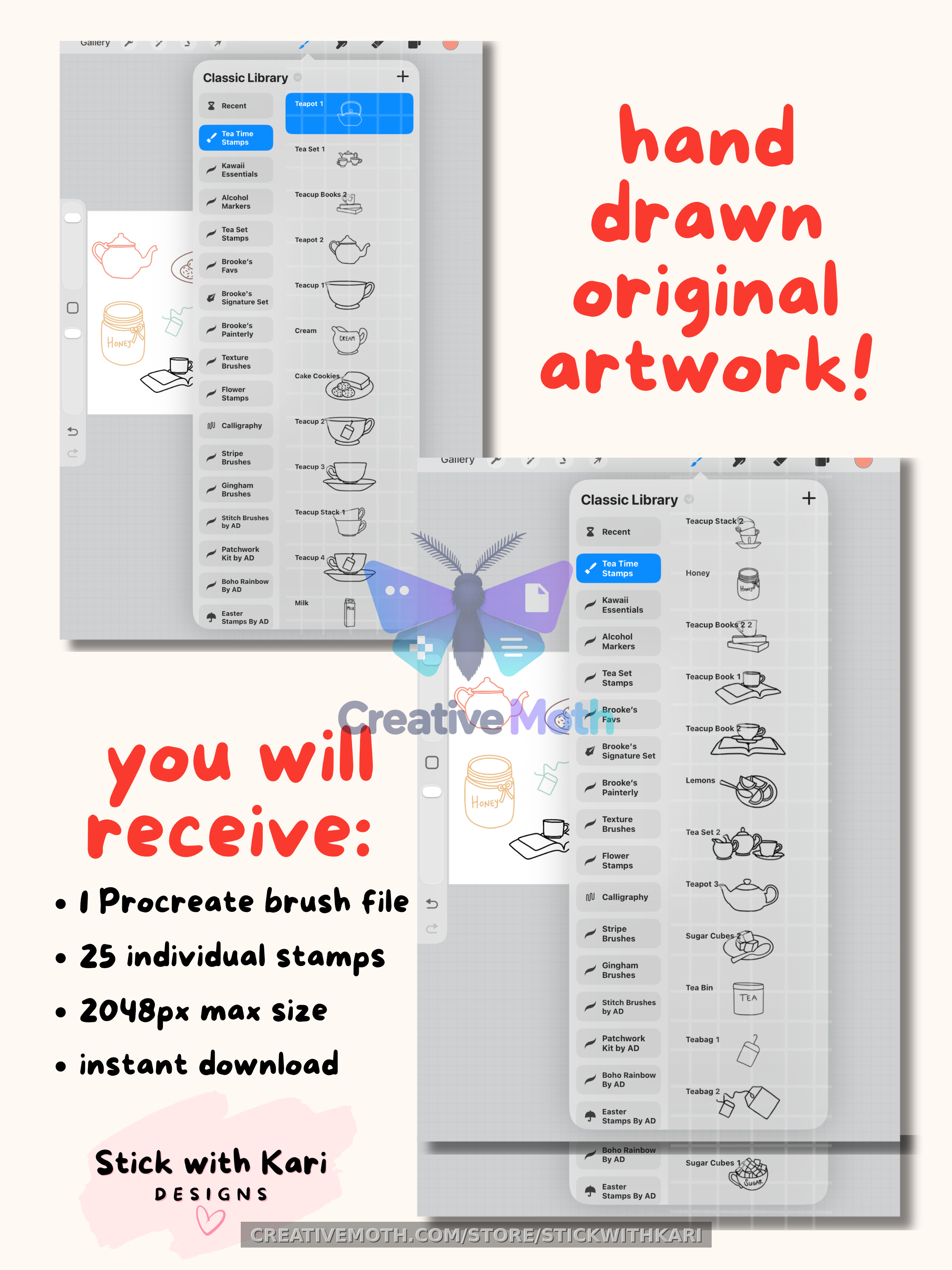
• PDF with Google Drive link & instructions to access and download the .brushset file
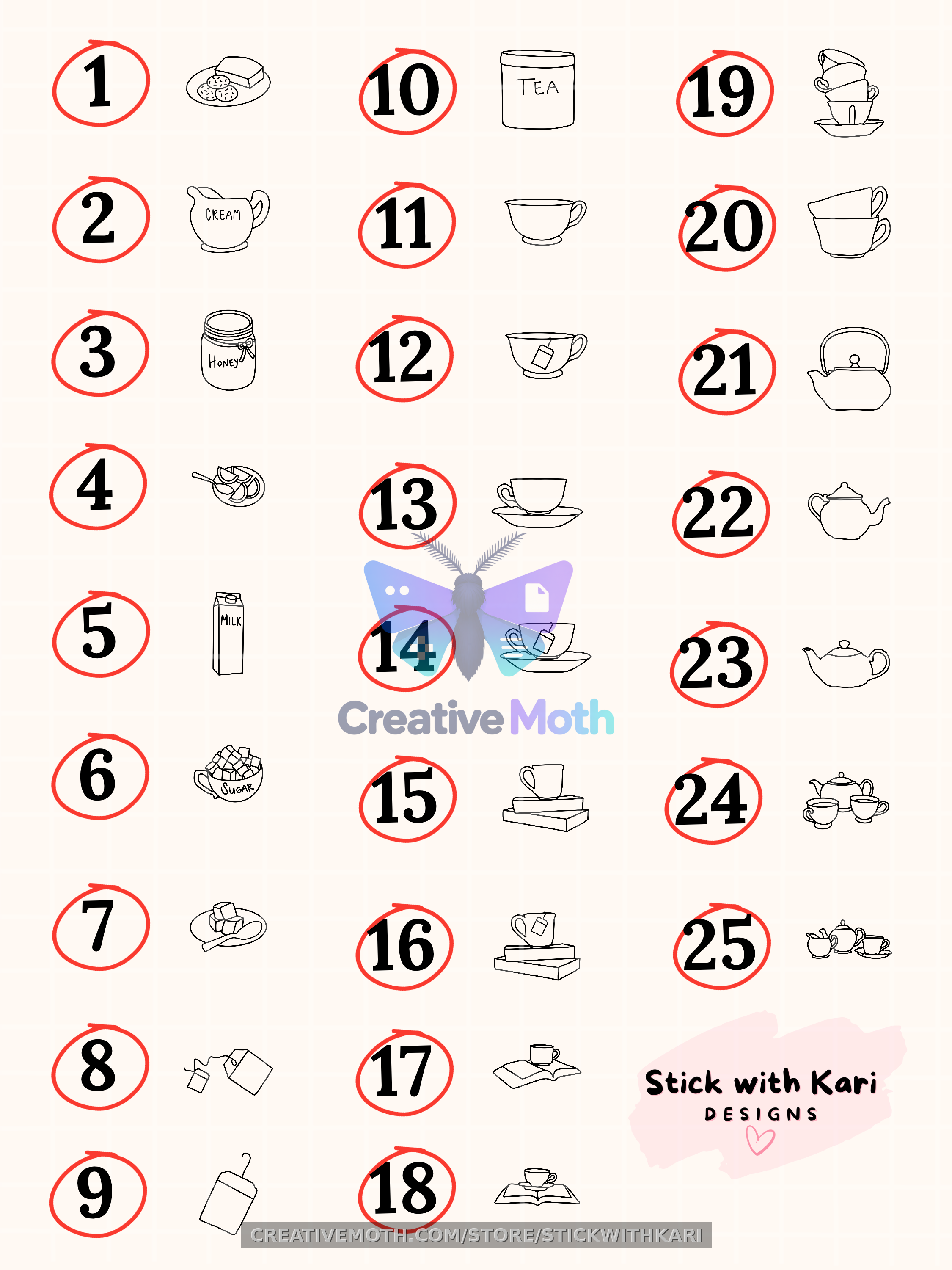
• 25 TEA TIME stamps in one .brushset file
• Includes teapots, tea sets, teacups, books, and more
• 2048 x 2048 px stamps, high resolution
WHAT YOU NEED:
• iPad
• Procreate app, latest version
PLEASE NOTE:
• These only work in Procreate.
• They will NOT open in Photoshop, Illustrator, Canva, or Procreate Pocket.
HOW TO DOWNLOAD & INSTALL:
1. Log into Creative Moth in a web browser.
2. Go to Buyer -> Orders and Files -> Purchases.
3. Find your order and tap Download Files.
4. Save the PDF to your iPad. If prompted, choose Save to Files and select On My iPad.
5. Open the Files app and tap the downloaded PDF.
6. Open the PDF and tap the blue Google Drive link.
7. When the pop-up says “Leave Files and open this link?”, tap Open. This will take you to Google Drive.
8. In Google Drive, tap the .brushset file, then tap the Download icon to save it to your iPad.
9. Open the Files app, go to Downloads, and tap the .brushset file. It should import into Procreate automatically.
10. Open Procreate and tap the Brush Library icon. Your new brush set will appear at the top of your Brush Library.
*NOTE:
Because Procreate files (.brushset) are unique iPad formats, Google Drive will say "File type unsupported" or "Preview Unavailable" when you click the link. This is completely normal! Simply look for the Download button (the downward arrow icon, or 3 dots) at the top right of your screen. Once downloaded to your iPad, the file will open perfectly inside Procreate!
**IF THE BRUSHES DO NOT INSTALL AUTOMATICALLY:
1. Open Procreate.
2. Tap the Brush Library icon.
3. Tap the + menu in the top-right corner.
4. Tap Import from Files.
5. Find the downloaded .brushset file in your Downloads folder and tap it.
6. Your brush set will be added to the top of your Brush Library.
*If the file does not appear, check your Downloads folder in the Files app.
LICENSE:
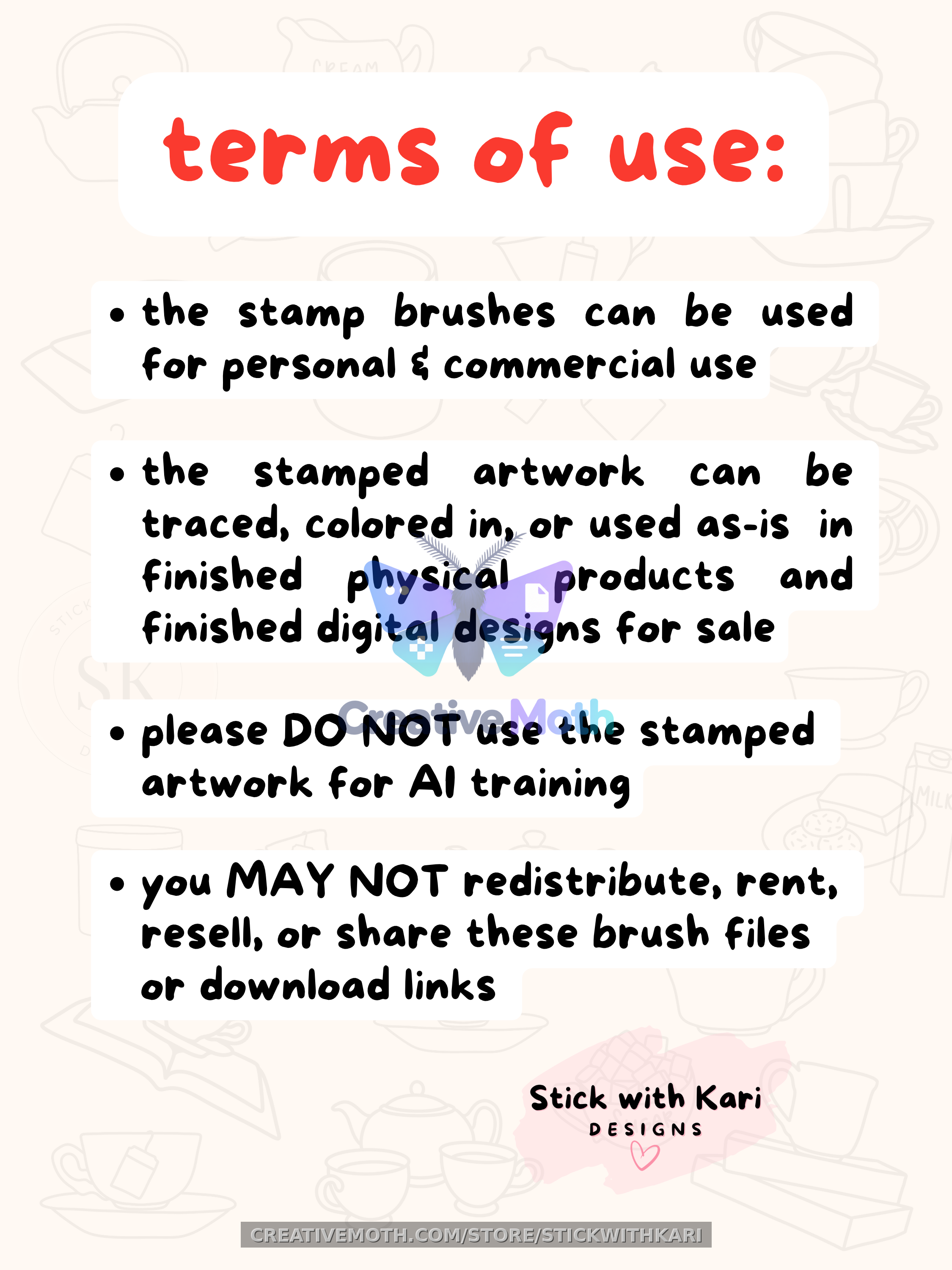
• Brush stamps can be used for commercial & personal use
• Brush stamps can be traced, colored in, or used as is for commercial purposes
• You CANNOT redistribute, rent, resell, or share these brushes, files, or Google Drive link
COPYRIGHT AND LICENSE:
• Copyright of the brush stamps remain with my shop.
• This nonexclusive license covers one purchaser or business. Ownership of the brush stamps is not transferred.
PLEASE NOTE:
• This is a digital download.
• Nothing ships to you.
• Because the files are instant, all sales are final.
• By purchasing, you agree to these terms.
Questions? Send me a message—I’m always happy to help! :)
Thank you for supporting original hand-drawn art and my small shop! I do not use AI in my designs. ♥️
License and trust notes
This is a digital download. Personal use is always included.